

AI-POWERED, FULLY AUTOMATED TERRITORY CHECKS
Increase Conversion Rates with 59-Second Territory Checks
Brokers need an answer now. Your team needs a process that does not involve inbox archaeology, buried CRM notes, or the spreadsheet nobody wants to admit is mission-critical.
Franchise Ninja uses AI to turn territory checks into a fast, searchable, reportable Fran Dev workflow.
No new spreadsheets. No additional headcount. No “who owns this again?” meeting.
WE KNOW WHAT KEEPS FRAN DEV TEAMS UP AT NIGHT
What Could Your Team Accomplish If They Didn’t Have To Do Territory Checks?
Territory checks sound simple until the request count climbs, brokers start grading response time, RevOps wants last month’s numbers, and someone says the five most dangerous words in business: “I made another spreadsheet.”
Introducing fully automated, AI-powered territory checks.
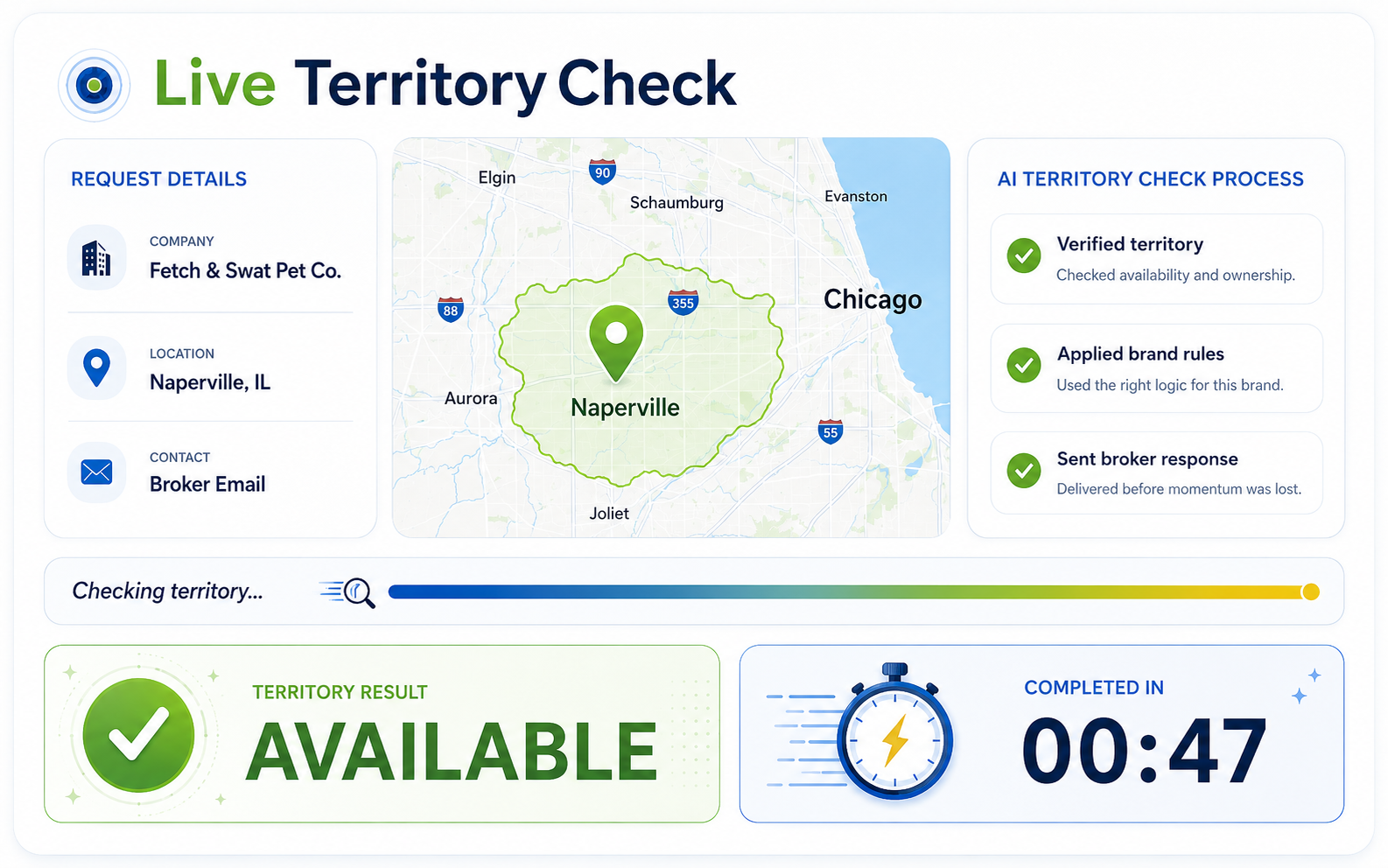
Every minute spent waiting on a territory check is a minute a qualified prospect can lose interest. Franchise Ninja uses AI to automate the entire process and returns territory availability in as little as 59 seconds.
AI applies your brand's territory rules, eliminates spreadsheet lookups, and keeps speed-to-lead working in your favor.
Brand-specific settings for territory rules, sender names, support fallback, and lookup logic.
State-level control for available, unavailable, and pending territory status with custom notes.
Integrates with APIs, third-party territory systems, and even legacy browser-based tools.
Manage resales with separate availability rules, routing, and workflows for brand and broker opportunities.
Enable or disable automation by brand, broker group, or workflow—no rip-and-replace required.

Territory checks used to cost us time and momentum we couldn't get back. Franchise Ninja automated the whole thing — instant answers, alternate suggestions, and detailed reporting. It's the tool I wish we'd had ten years ago.
Scott Krupa, CFE
Vice President of Franchise Development

BUILT FOR PLATFORM BRANDS
Own eight brands? You own eight sets of territory rules.
Platform companies do not run one territory check process. They run one per brand, each with its own map logic, registration calendar, broker agreements and development team. Franchise Ninja was built for that structure. One platform account sits above every brand you own, and each brand keeps its own rules underneath it.
Rollup reporting at both levels
See portfolio-wide territory check volume, then drill into a single brand without switching accounts or waiting on a report. Platform leadership gets the roll-up. Brand presidents get their own numbers. Same data, one source.
Brand-level state registration control
Toggle a state on or off for one brand, and every future check answers correctly. No emails to eight brokers when an FDD renewal lands. And when a state is not registered, the response says unregistered, not unavailable, so brokers stop reading a filing status as a sold market.
Cross-brand alternate suggestions you configure
Decide which brands get offered as alternates for which requests. Pair a home services brand with its natural sibling, keep unrelated concepts out of the response, and hold back brands that a particular broker does not represent.
Broker exclusion logic
Broker agreements are rarely portfolio-wide. Exclude specific brokers from specific brand requests and the system only answers where you have an agreement in place.
Per-brand settings and notifications
Sender names, support fallback, custom notes and reply routing are set per brand. CC the development rep who owns that brand so they see the reply in their inbox, without a dashboard login or notifications from the other seven brands.
Consultant-level follow-up tracking
Pull a weekly summary of every check by consultant and see which ones are still open. Your team knows exactly which brokers to call back and whether that candidate is still moving.
HOW IT WORKS
A territory check process driven by AI
It’s fast enough for brokers and structured enough for multi-brand operators.
Request
Broker email or direct request submitted.
Check
Franchise Ninja's AI automatically applies brand-specific territory logic to verify territory status.
Response
AI sends the clean availability response, routes edge cases to support, or suggests alternate owned brands when a market is sold.
Track
AI logs counts, brokers, brands, requested markets, and support exceptions automatically.
Improve
Use the data to spot hot markets, speed up broker response, and turn territory checks into a sharper Fran Dev advantage.
The result: AI responds before your competitors even start.
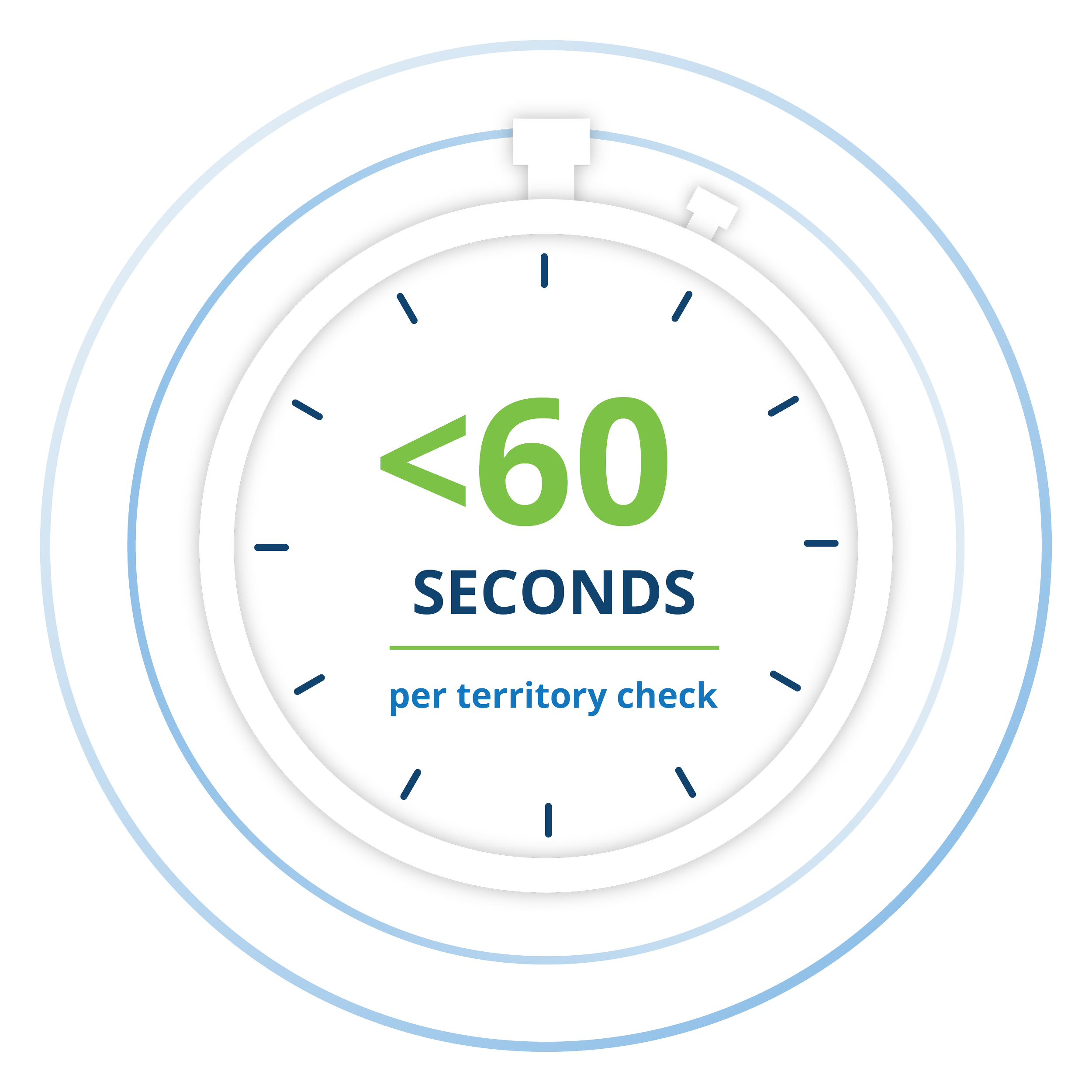
Territory checks that used to take days are now complete in under 60 seconds. Automated responses allow your Fran Dev team to focus on selling, while AI gives brokers a clean answer so their lead stays engaged and excited.
TERRITORY CHECKS, MINUS THE INBOX CARDIO
Every stakeholder gets the right answer — without slowing your sales pipeline down.
For brand teams
Set permissions, manage brand rules, route support exceptions, and stop treating "quick question" like a full-time department.
For leadership
See demand patterns, broker activity, popular territories, and availability outcomes before the monthly report turns into folklore.
For FSO's
Manage territory availability across every brand you represent, give your brokers instant answers, and keep deals moving without chasing down the franchisor.
For brokers
Ask whether a territory is available, get the quick answer, and move the candidate conversation forward before the coffee gets cold.
Territory reporting that is ready when RevOps asks.
Counts by day. Reporting by broker. Reporting by brand. Most-requested territories. Availability outcomes. Roll-ups to the master account. Territory checks stop being a monthly scavenger hunt and start becoming live operational intelligence.
Territory Reporting
Brand Availability Snapshot
Total Checked
493
Available
299
Not Available
194
Availability Rate
59%
Brand Breakdown
| Brand | Available (Count) Not Available (Count) | Total | Availability |
|---|---|---|---|
| Brand 1 | 127 | 46.5%Available | |
| Brand 2 | 86 | 46.5%Available | |
| Brand 3 | 70 | 61.4%Available | |
| Brand 4 | 152 | 80.3%Available | |
| Brand 5 | 58 | 60.3%Available |
We're so confident, we'll build it before you sign
100% Risk-Free. See it running in your environment before you sign anything.
No agreement. No setup fees. No leap of faith. We put our development team on it first — you judge the results with your own brands, your own brokers, and your own territory rules.
We do the work
Our development team handles the integrations, loads your brand rules, and gets you up and running — before a single agreement is signed.
You run it for 2 weeks
Watch AI answer real territory checks in your environment. Measure the speed, check the accuracy, and let the results speak for themselves.
Sign when you're comfortable
Once you've seen it running and you like what you see, we sign the agreement. If it's not a fit, you walk away — no hard feelings, no invoice.